How to Start a VPS Hosting Business in 2026 (Real Costs)
Start a VPS or web hosting reseller business in 2026: real wholesale costs, billing software prices, automatic provisioning, abuse rules and profit math.
Published 12 min readBy the WestSideAgency team
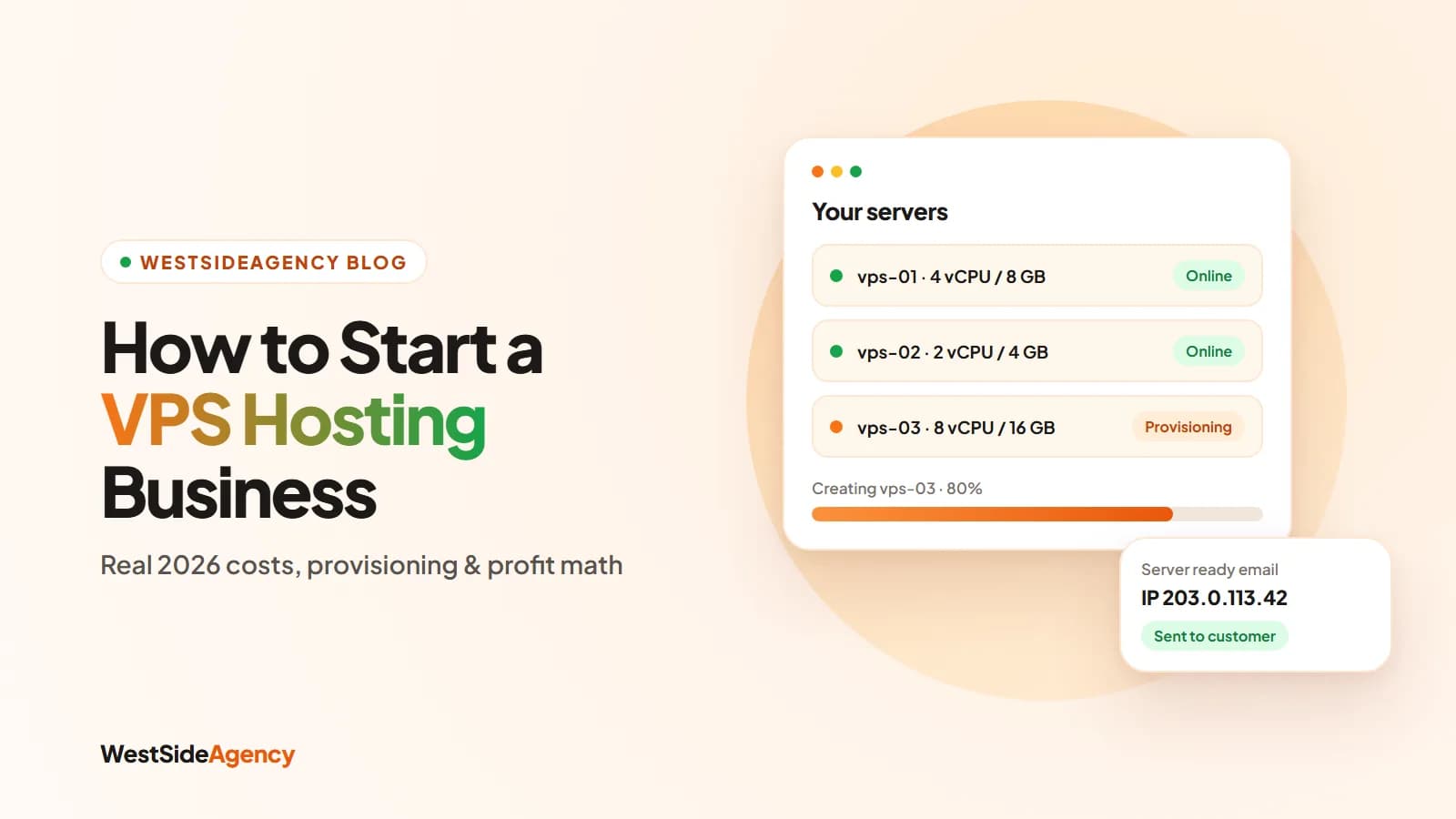
You can start a VPS hosting business in 2026 without owning a single server. Most new hosts are resellers: they rent capacity from an upstream provider that allows reselling, sell it under their own brand, and automate billing and provisioning so a customer’s server is created the moment they pay. This guide covers the four ways to run a hosting business, what it really costs (prices checked November 2026), how automatic provisioning works, and the abuse, fraud and legal duties that catch new hosts out.
Four ways to run a hosting business
| Model | Starting capital | Skills needed | Control |
|---|---|---|---|
| Shared hosting reseller | Very low | Basic | Low: you resell cPanel-style accounts |
| VPS reseller | Low | Moderate | Medium: whole virtual machines from an upstream |
| Own hypervisor (Proxmox, Virtualizor) | High | Advanced Linux and networking | Full, including hardware |
| Done-for-you storefront on an upstream | Low | Basic to moderate | Medium, with branding and automation ready |
If you’re starting out, a VPS reseller or a done-for-you storefront on top of a reseller-friendly upstream gives you the best balance: customers get root access to real virtual machines, while you avoid buying hardware and running a data center.
Is a hosting business profitable in 2026?
The market is large and growing. Fortune Business Insights values web hosting services at USD 149.3 billion in 2025 and projects USD 178.8 billion in 2026 (other research firms publish lower figures, so treat any single number as an estimate). Customers also tend to move from shared hosting to VPS as their sites grow, which is good for hosts that can serve both.
Profit per customer comes down to one formula:
Net margin = retail price − upstream cost − payment fees − (billing licence ÷ active clients) − support time − fraud and chargeback reserve
A worked example
Suppose you sell a VPS at $15 a month that costs you about $5 upstream (Contabo, for example, lists a 4 vCPU / 8 GB plan at €4.40 a month on a 24-month term), you take card payments through Stripe and run WHMCS Plus for your first 20 clients:
| Per VPS, per month | Amount |
|---|---|
| Retail price | $15.00 |
| Upstream server cost (illustrative) | −$5.00 |
| Stripe card fee (2.9% + 30¢) | −$0.74 |
| WHMCS Plus ($34.95 ÷ 20 active clients) | −$1.75 |
| Fraud and chargeback reserve (assume 3%) | −$0.45 |
| Net before support time | $7.06 (about 47%) |
Your margin improves as the licence cost spreads over more clients, and it grows faster still with add-ons like managed support, backups, monitoring and annual billing. Vendors often quote markups of 2–3× wholesale; treat those as marketing claims and model your own numbers.
What it costs to start (2026 prices)
| Item | Typical cost |
|---|---|
| Domain name | About $10–15 a year |
| Upstream VPS capacity | From about €4.40/month (Contabo, 24-month term) or €5.49/month (Hetzner, billed hourly) |
| Billing software | Free to $34.95/month |
| Hypervisor panel (only if you run your own nodes) | Virtualizor from $9/month per node; Proxmox support from €120/socket/year |
| Payment processing | Stripe 2.9% + 30¢ per US card charge |
| Storefront and setup | DIY, or a ready-made storefront (from $200 one-time) |
Liquid Web estimates roughly $1,000 of startup capital for a first reseller plan, billing software and basic branding.
Step 1: Pick a niche and positioning
Competing with your own upstream on price is a losing game. Pick a group you can serve better: developers who want a specific stack, agencies hosting client sites, game servers, or customers who want support in their own language and time zone. Decide whether you sell unmanaged VPS (cheaper, less support) or managed plans (higher price, more of your time).
Step 2: Choose an upstream you’re allowed to resell
- Reseller permission. Read the terms. Contabo says you can resell its products “without any special agreement”; not every provider allows it.
- An API or billing module. Contabo’s API can automate ordering, management and cancellation. Without one, you’ll be creating servers by hand.
- Locations, network and DDoS protection that match where your customers are.
- The SLA you can pass on. You can never promise more uptime than your upstream gives you.
Step 3: Billing and automatic provisioning
Automation is what makes a small host feel like a big one. In WHMCS, for example, you can set a product to be created “as soon as an order is placed” or “as soon as the first payment is received”. A provisioning module then talks to the hypervisor panel or the provider’s API to create the server.
Renewals, suspension and termination
The same modules handle the other end of the lifecycle: renewal invoices, suspension when an invoice goes unpaid, and termination after a grace period. The Virtualizor module for WHMCS, for instance, supports create, suspend, unsuspend, terminate, change package and usage updates. Give customers a reasonable grace period before termination, because terminating a server deletes their data.
WHMCS and its alternatives
| Software | Price | Notes |
|---|---|---|
| WHMCS | From $9.99/month (Cloud, 25 clients) or $34.95/month self-hosted | Largest module ecosystem; priced by active clients |
| Blesta | $17.95/month or $350 owned | Unlimited clients on every licence |
| FOSSBilling | Free (AGPL-3.0) | Open source, provisions cPanel, Plesk, DirectAdmin and HestiaCP |
| Paymenter | Free (MIT) | Open-source billing built for hosting |
Whatever you pick, check that a working module exists for your upstream provider or hypervisor panel before you commit.
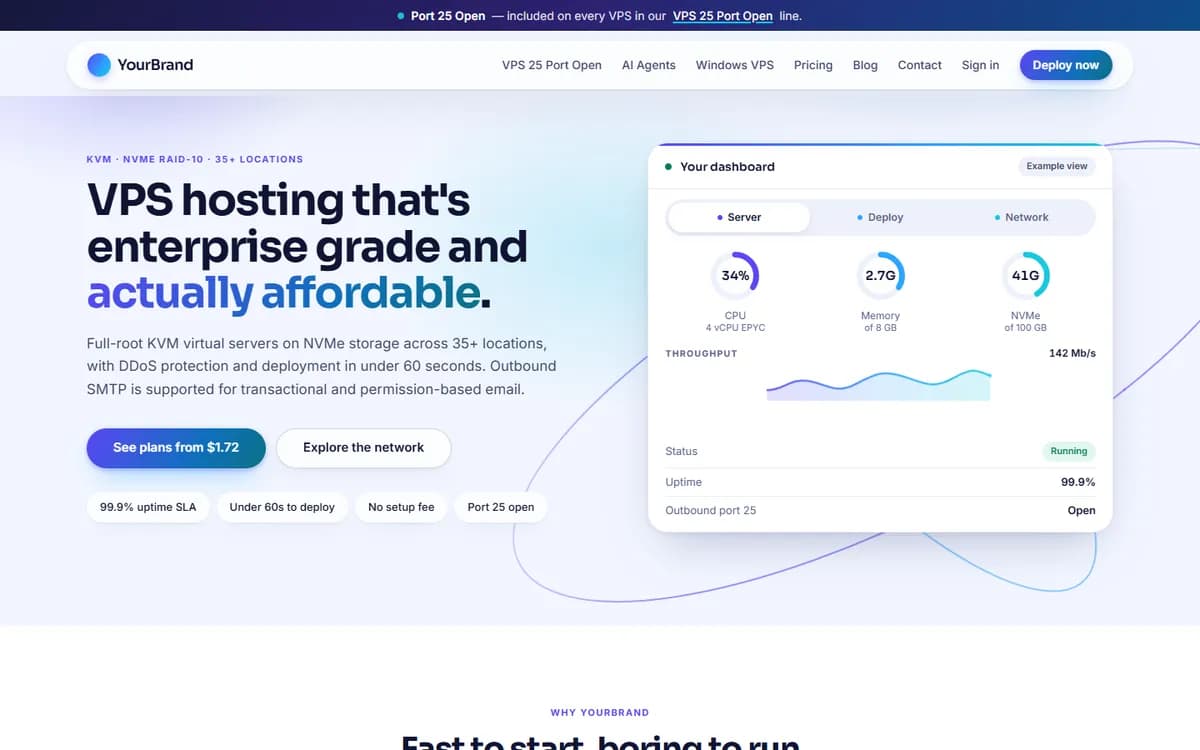
If you’d rather not assemble billing, provisioning and a storefront yourself, our VPS / Hosting Platform sets up a branded hosting storefront with plan listings, automatic provisioning through a supported upstream provider, a customer client area, support tickets and payment gateways. It’s a $200 one-time setup, delivered within 10 business days, with the first month of support included. Your domain, server capacity, software licences and provider costs are paid separately, so confirm your provider and payment gateway with us before ordering.
Step 4: Payments, fraud and chargebacks
Cheap VPS plans attract stolen cards: a fraudster buys a server, uses it for abuse, and your upstream suspends you. Spamhaus advises hosts to verify email and phone numbers, use 3-D Secure and keep an acceptable-use policy that lets them null-route servers on credible abuse reports. Billing systems help too: WHMCS supports FraudLabs Pro and MaxMind fraud screening, which can hold risky orders for manual review.
Chargebacks are expensive. Stripe charges a $15 dispute fee plus another $15 if you counter it (refunded only if you win), and cardholders usually have up to 120 days to dispute a payment. Visa’s monitoring program flags merchants whose fraud and dispute ratio reaches 1.5% from April 2026, so keep disputes rare.
Step 5: Terms, abuse desk and DMCA
To your upstream provider, you are the customer. Spam, port scanning or copyright complaints about your customers’ servers go to you, and you must act quickly. Publish clear terms of service and an acceptable-use policy that cover spam, scanning, mining and open proxies, and reserve the right to suspend.
If you serve US customers, the DMCA’s safe harbour for hosts (17 U.S.C. §512) requires you to:
- remove material promptly after a valid takedown notice,
- register a designated agent with the U.S. Copyright Office and publish their contact details on your site (renewed every three years), and
- adopt and tell users about a policy for terminating repeat infringers.
Step 6: Support, SLA and monitoring
| Uptime SLA | Downtime allowed per month |
|---|---|
| 99.9% | About 43.8 minutes |
| 99.95% | About 21.9 minutes |
| 99.99% | About 4.4 minutes |
Promise only what your upstream guarantees, publish a status page, and be explicit about what support covers: unmanaged plans usually mean network and hardware only, while managed plans include help inside the server.
Step 7: Launch and win your first customers
Step 1: Write your plans and policies
Clear plan specs, terms of service, an acceptable-use policy and a refund policy.
Step 2: Test the full lifecycle
Order, pay, provision, suspend, unsuspend and terminate a test server before you take real money.
Step 3: Publish helpful pages
Use-case pages and tutorials for your niche bring search traffic that costs nothing per click.
Step 4: Offer a reason to switch
Local support, a migration service or a first-month discount for your niche.
Step 5: Watch your numbers
Track margin per VPS, dispute rate and support tickets per customer every month.
Common mistakes to avoid: reselling from a provider that forbids it, promising more uptime than you get, terminating unpaid servers too fast, and skipping fraud checks to grow faster. Get the automation and the policies right first, and growth becomes much less stressful.